Your events sell out. Then people push to get in.
Waitlist management software for high-demand events.
You have built something exceptional that is in huge demand. Your events are regularly oversubscribed. Yet industry data shows that 10–25% of booked capacity is typically lost to no-shows and late cancellations. Your current system doesn't handle the waiting list well, which is why you're losing revenue.
Get everything possible out of the capacity you already have
When someone cancels, Bookcessful automatically offers the released spot to the next eligible person on your waitlist — before that capacity is lost.
- Protect the revenue behind your existing demand
- Refill last-minute cancellations
- Keep classes and events full in reality
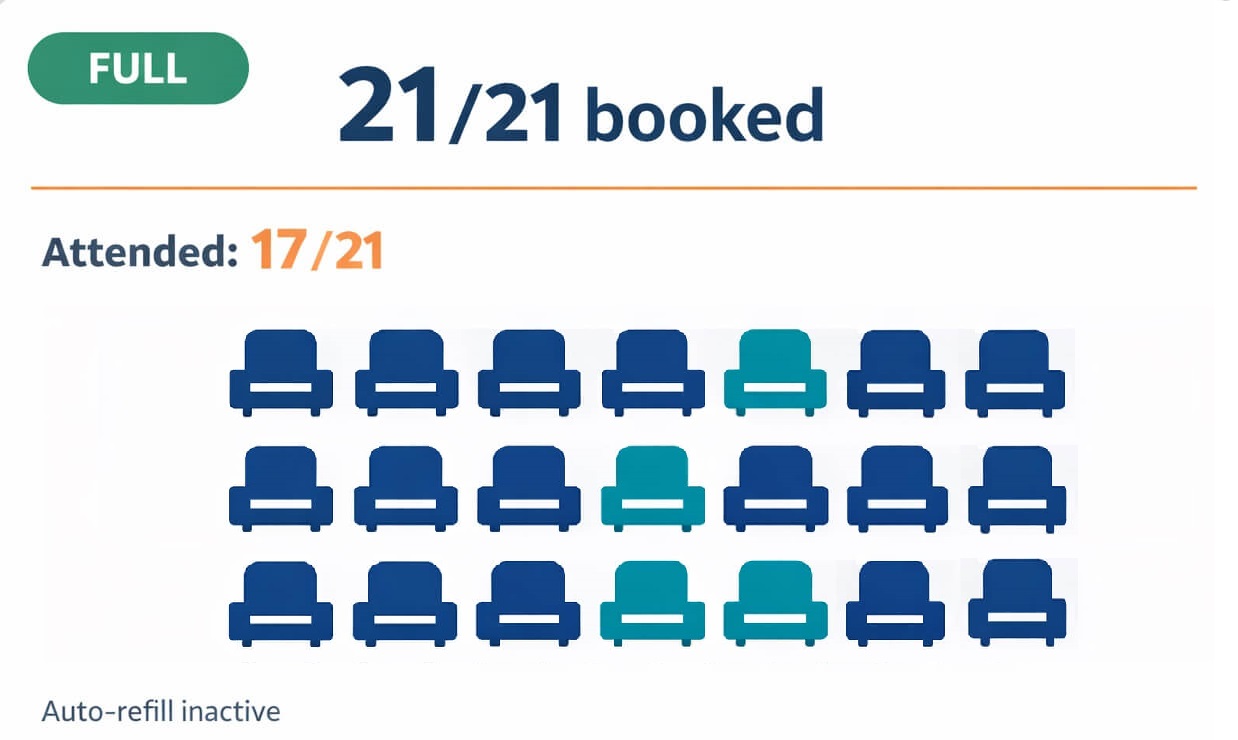
After full capacity, you need a structured process — not more effort
Successful demand creates new operational work
- A late cancellation can quickly become an empty seat
- The team has to track manually who was contacted and when
- Allocation decisions become inconsistent or appear personal
(The problem is not that your team is not working hard enough. The process has not been turned into a system.)
This is not another administrative task. It is a capacity process that needs clear rules.

Turn post-full operations into a structured process
Bookcessful does not give the admin more tasks. It organizes cancellations, refills, allocation, and oversight into predefined steps.
The released spot enters the same predefined process every time. Bookcessful activates the waitlist according to your settings and starts the refill process.
Not through last-minute improvisation or personal negotiation. The system follows the selected waitlist mode and your configured rules, keeping the decision consistent and explainable.
The offer deadline and next step do not depend on a staff member remembering them. The process continues according to your settings so the place can still be filled in time.
They can see where the refill process stands and where genuine human judgment is required. The system automates repetitive steps without removing operational control.
Every cancellation, offer, and refill enters the same controlled process. Administration no longer grows through one-off messages and exceptions held in people’s heads.

NEW: GROUP EVENT OPERATIONS
After the booking, preparation should be controlled — not improvised.
Attendees need complete, accurate, and consistent information every time. The admin needs a process in which nothing important exists only in someone’s head.
Save recurring event details once, then change only what is different for the individual session:
- venue or online joining link,
- arrival and preparation instructions,
- contact person and contact details,
- payment and cancellation information,
- required materials and additional instructions.
Bookcessful automatically carries verified default information into new group events. Session-specific differences can be edited separately, so standard operations and necessary exceptions do not become mixed together.
Before sending, the operations lead can review the event details and the number of recipients. Each confirmed attendee then receives the necessary information in a separate email.
Consistent source data. Controlled delivery. Fewer errors and less repetitive administration.
Available on the Basic, Pro, and Enterprise plans.
The system watches, signals, and keeps the refill process moving
You launch the booking, share the link, and demand starts arriving.
The event fills and the waitlist begins to grow. That is evidence that you are doing something very well.
The real operational risk appears only afterwards: a cancellation, an expiring offer, or a released spot that nobody notices in time.
Bookcessful monitors booking statuses, cancellations, and the next steps in the waitlist process.
According to your settings, it starts or supports the refill process, sends notifications in time, and prevents the workflow from depending on one staff member’s memory.
The operations lead can see what is happening and step in only where genuine human judgment is required.
Your event therefore stays full not only in the calendar but in reality — with more actual attendees, better utilization, and less lost revenue.
You no longer have to rely on somebody noticing the problem in time. The system watches, signals, and advances the process according to your selected level of automation.
Stays manageable even after it’s full. It is a real waitlist management software and capacity management engine.
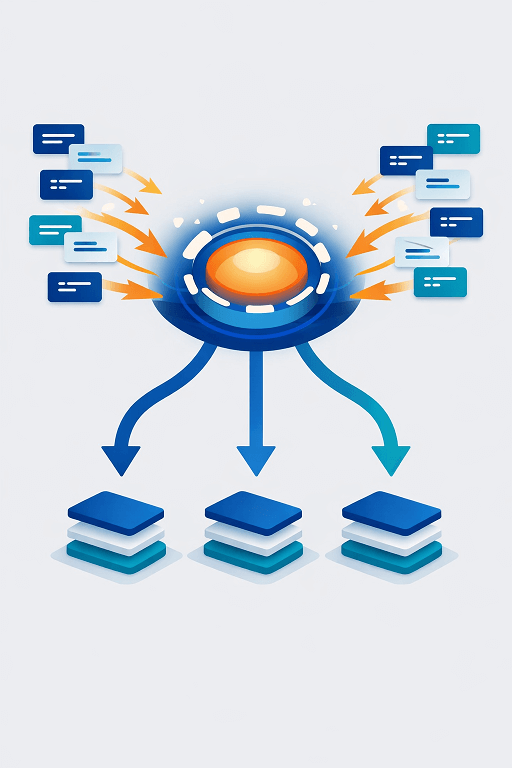
Key insights for organizers
Start with these articles to see where capacity is lost after an event is full.
You built the demand. Now turn it into full-capacity performance.
First steps